How to Export and Archive X (Twitter) Threads to Markdown, Clean Text, or Obsidian
A practical workflow for saving long X threads into clean Markdown or plain text for Obsidian, Notion, and research libraries without broken screenshots.
XCircle Editorial ·
Bookmarks on X are notoriously fragile. Posts get edited or deleted, accounts go private, and scrolling back six months through an unsearchable bookmark feed rarely works when you actually need a technical breakdown or case study.
Exporting a public thread into clean Markdown turns an ephemeral timeline post into a permanent, searchable reference inside Obsidian, Notion, Logseq, or a plain Git repository.
Why Markdown beats screenshots for long threads
| Archiving Method | Searchable Text | Clickable Links | Works Offline | File Weight |
|---|---|---|---|---|
| Screenshots | No (needs OCR) | No | Yes | Heavy (5–15 MB) |
| X Bookmarks | Limited | Yes | No | Zero, but breaks if deleted |
Markdown Export (.md) | Instant full-text search | Yes | Yes | Tiny (~3–10 KB) |
When a thread has 12 or 25 connected posts, screenshots quickly become unreadable on desktop and impossible to quote accurately. Clean Markdown preserves paragraph breaks, numbered structure, embedded URLs, and media references in a single lightweight file.
Step-by-step: exporting any public thread cleanly
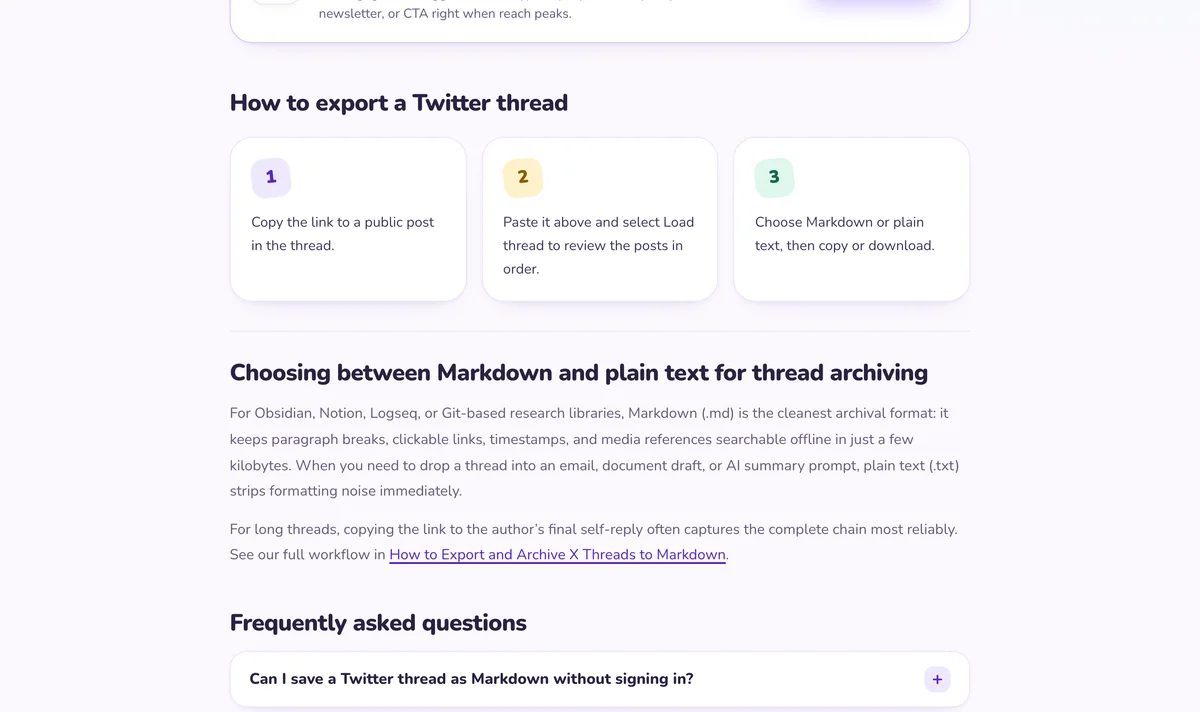
- Copy the URL of the last or first post in the thread: On X, open the thread and click Share → Copy link. Linking the final reply often helps capture the full upward reply chain cleanly.
- Paste the URL into X Thread Exporter: XCircle reads the public thread structure without requiring an X login or browser cookies.
- Review the reconstructed order and timestamps: Verify that every numbered post in the author's self-reply chain is present and check whether any quoted posts or media attachments need context.
- Choose Markdown (
.md) or Plain Text (.txt):- Use Markdown if you paste into Obsidian, Notion, Bear, or GitHub docs.
- Use Plain Text if you are summarizing notes in email, Google Docs, or feeding a clean transcript into an LLM prompt.
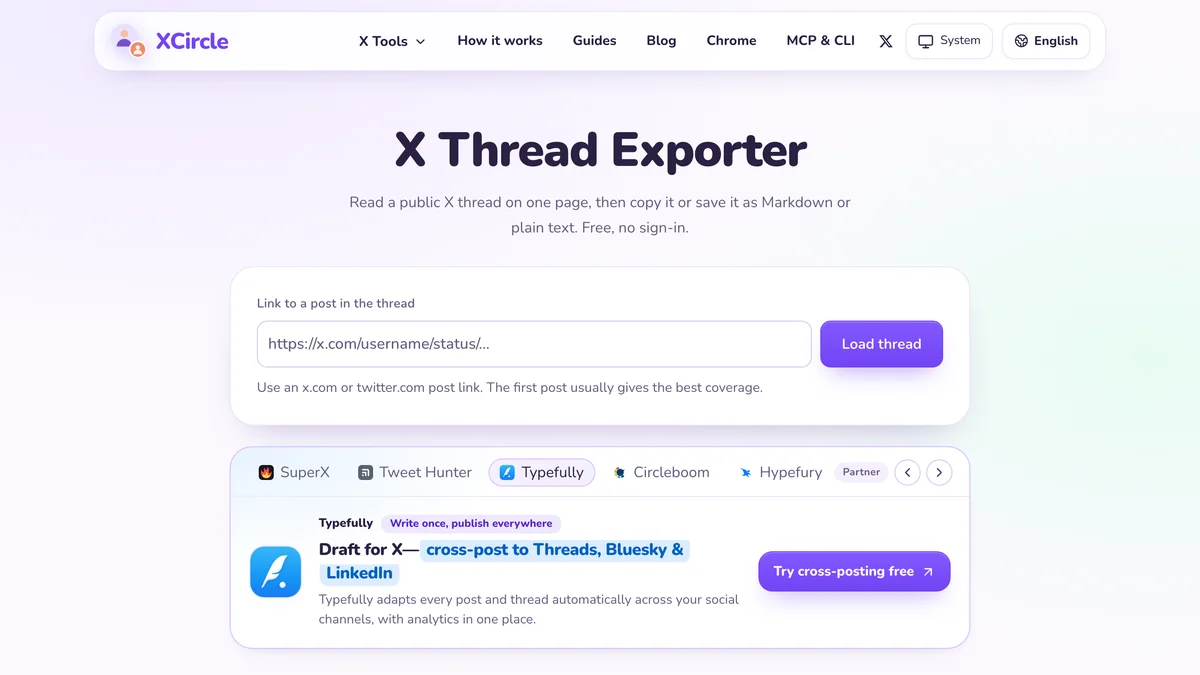
Paste any public X post URL into XCircle's X Thread Exporter to reconstruct the full self-reply chain without signing in.
Structuring archived threads in Obsidian or Notion
Adding a tiny YAML frontmatter header at the top of saved threads makes them effortless to filter months later:
---
source: https://x.com/handle/status/1234567890
author: '@handle'
topic: growth-experiments
archived: 2026-11-24
---
Three habits keep a thread archive genuinely useful instead of turning into another graveyard:
- Write a 2-sentence takeaway at the top: Future-you rarely wants to re-read 20 tweets from scratch—summarize the single insight you saved it for.
- Keep original author attribution intact: Always retain the
@handleand original status URL so you can verify updates or cite the creator properly. - Download critical diagrams separately: Markdown preserves image URLs, which can still expire if an original post is removed. If a thread relies on a chart or architecture diagram, save the image file alongside your
.mdnote.
If you archive threads regularly inside AI coding editors or terminal scripts, you can also connect XCircle MCP, CLI & Agent Skill to fetch public threads straight into Markdown files from the command line without managing X API keys.

Power users can pipe public X threads directly into local Obsidian vaults or research folders using XCircle's zero-dependency CLI and Remote MCP endpoint.
Understanding public-data limits & copyright
X Thread Exporter only reads publicly accessible posts. Protected accounts, deleted parent tweets, or third-party replies outside the author's own thread chain cannot be reconstructed. In addition, saving a thread for personal research or study does not grant a license to republish someone else's writing as your own—always quote sparingly and link back to the original author.
Ready to archive a thread before it disappears from your feed? Open X Thread Exporter, paste a public post link, and copy clean Markdown in seconds.