X (Twitter) Header Size & Safe Zones Guide (2026): Desktop vs Mobile Crop Rules
Exact 1500×500 X header dimensions, where the circular avatar overlaps on desktop and mobile, safe-zone padding, and export tips so your banner never gets clipped.
XCircle Editorial ·
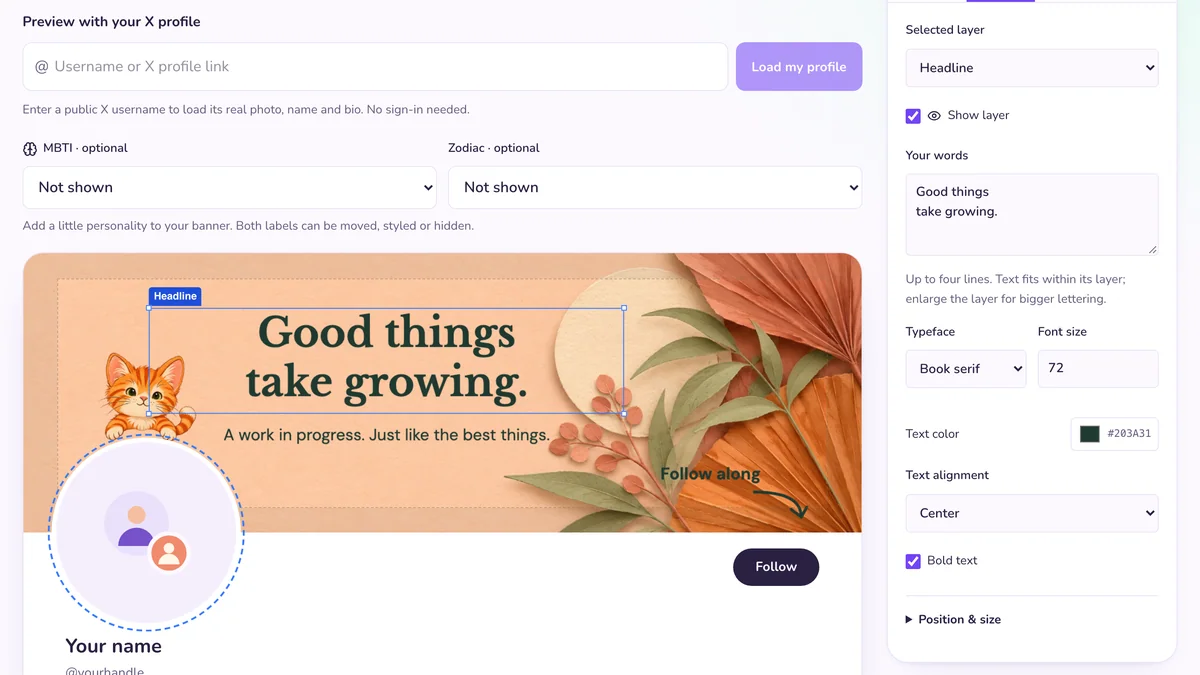
Most broken X (Twitter) banners fail for one simple reason: designers build a 1500×500 graphic in isolation and forget how X overlays the profile avatar, trims top and bottom edges on mobile, and compresses gradients on upload.
This guide breaks down the exact dimensions, safe zones, and export settings that keep an X header crisp across iOS, Android, and wide desktop screens.
Official X header dimensions at a glance
| Specification | Recommended Value | Why It Matters |
|---|---|---|
| Canvas size | 1500 × 500 px (3:1 ratio) | Matches X's full-resolution banner container without upscaling blur |
| Central safe zone | 1260 × 380 px (centered) | Stays visible across desktop, iOS, and Android status-bar overlays |
| Bottom-left avatar occlusion | Roughly 440 × 210 px (bottom-left corner) | Covered by the circular profile photo on desktop and mobile |
| Maximum file size | 5 MB (keep under 2 MB for speed) | Larger uploads get aggressively re-compressed by X |
| Best file format | PNG for typography/UI, JPG (90%) for photography | Prevents fuzzy JPEG ringing around sharp logos and text |
Why desktop and mobile crop headers differently
On desktop browsers, the banner spans a fixed 3:1 container (600 × 200 CSS pixels on standard timelines, scaling cleanly on Retina displays). The profile avatar sits roughly half-overlapping the bottom-left edge of the banner.
On iOS and Android apps, two extra things happen:
- Top status-bar & navigation overlap: The back arrow, search icon, and translucent status bar cover the top ~60–75 px of the banner before the user scrolls.
- Horizontal edge tightening on narrow phones: Small screens slightly zoom the banner vertically so the header never looks paper-thin, which trims ~60–90 px from the left and right outer margins.
Because of these two shifts, placing a tagline, URL, or brand mark near the top edge or bottom-left corner almost guarantees it will be hidden on at least half of your visitors' devices.
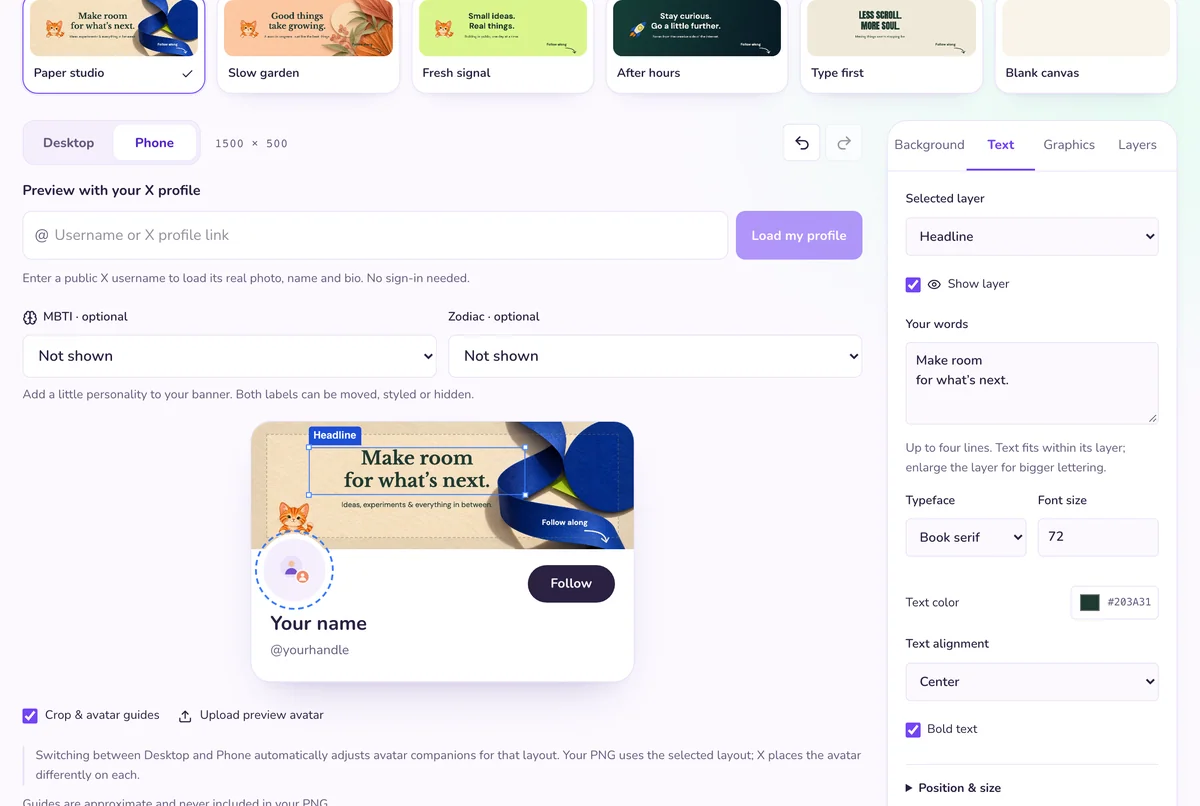
Switching to Phone mode inside XCircle's X Header Generator reveals how mobile screens tighten the edges and overlap the circular avatar before you export.
Practical safe-zone layout rules
To design a banner that reads clearly on every screen without maintaining separate versions:
- Keep key text in the middle-right 60%: Shift headlines, value propositions, and arrows slightly right of center so they balance visually against the bottom-left profile picture.
- Leave 60 px breathing room at top and bottom: Avoid thin borders or small captions close to the top or bottom frame.
- Test dark mode and light mode: On X dark mode (
#000000or#15202b), a pure-black banner blends invisibly into the page chrome unless you add subtle contrast or an inner gradient. - Stick to 1–2 short lines of text: Profile visitors scan a header in less than two seconds. A 6-word promise plus one visual cue outperforms a dense feature list every time.
How to avoid muddy X compression artifacts
Even at 1500 × 500 px, X re-encodes uploaded banners. Three small habits noticeably improve sharpness:
- Export PNG for flat shapes, vectors, and crisp text: JPEG compression smears high-contrast reds, purples, and thin sans-serif strokes.
- Add subtle grain (1–2%) to smooth gradients: Pure mathematical gradients often develop visible color banding after platform re-encoding.
- Avoid tiny font sizes under 28 px (on a 1500 px canvas): On mobile screens the banner shrinks to ~390 CSS pixels wide—almost a 4× downscale—turning small text illegible.
Designing and previewing your header locally
Instead of uploading five test drafts to your live X profile just to check whether your avatar covers the first word of your tagline, use the X Header Generator. It loads your real public avatar and bio locally in the browser and switches between desktop and mobile safe-zone overlays before you export a clean 1500 × 500 PNG.
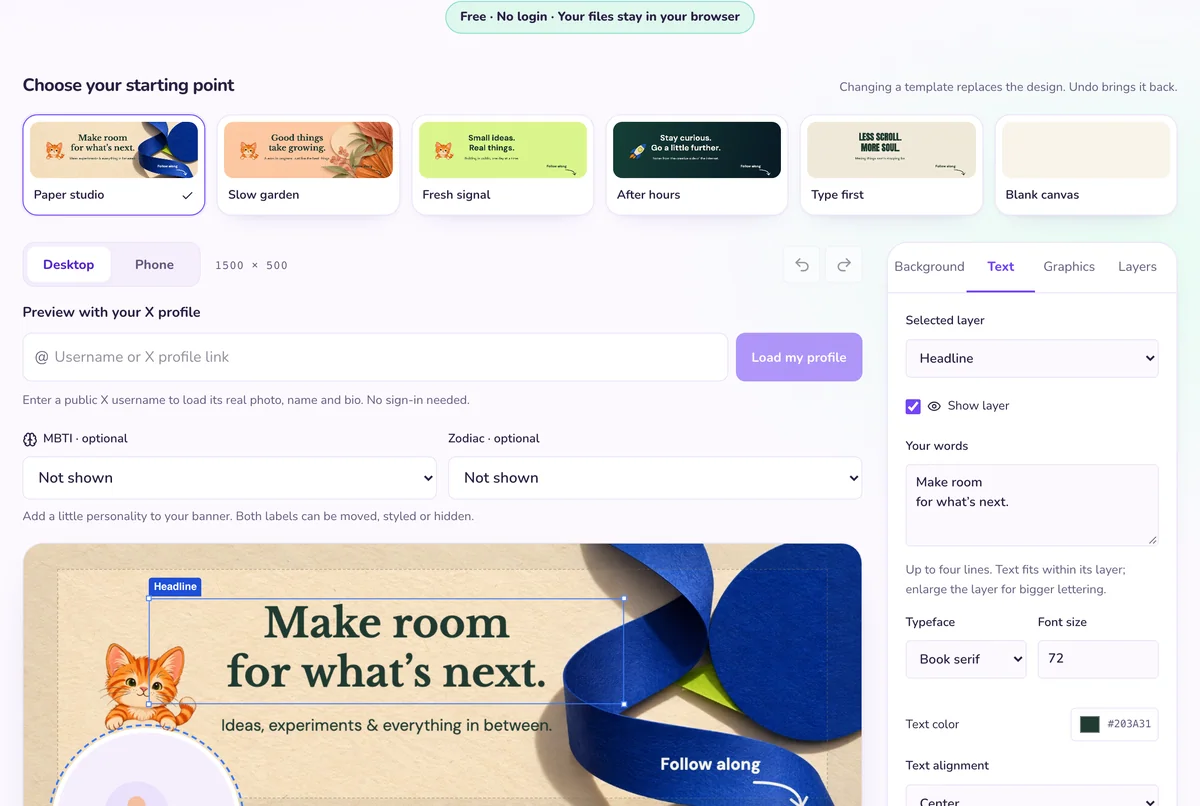
Choose a starter template, load your public profile avatar locally, and verify Desktop vs Phone safe zones inside the browser.
If you prefer a community-driven banner that showcases your active audience, you can also try the X Followers Header Maker, which arranges public follower or following avatars directly into a 1500 × 500 banner or animated clip right on your device.
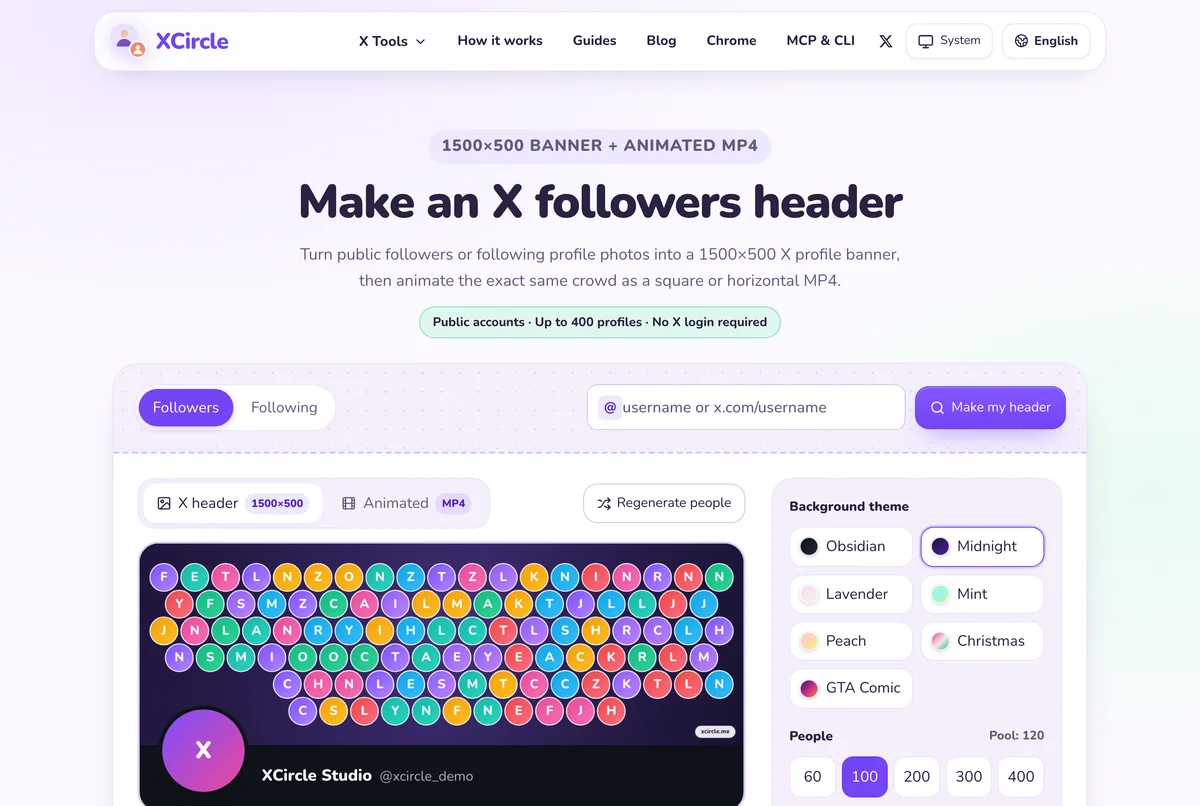
X Followers Header Maker automatically leaves clean space around your bottom-left profile avatar when laying out up to 400 follower avatars.