X Profile Picture Size Guide (400×400): Circular Crop, Compression & Seasonal Avatars
Everything creators should know about X profile pictures: 400×400 dimensions, circular safe-zone geometry, PNG vs JPG sharpness, and updating avatars cleanly.
XCircle Editorial ·
Your profile picture appears next to every single reply, quote, notification, and interaction circle you show up in—usually shrunk down to just 40 × 40 or 48 × 48 CSS pixels. Even small design mistakes that look harmless at full size can make an avatar unrecognizable in a busy timeline.
Official X profile picture specs
| Property | Recommended Spec | Practical Takeaway |
|---|---|---|
| Upload resolution | 400 × 400 px minimum (800 × 800 px ideal) | Keeps Retina displays sharp while avoiding excessive file size |
| Display mask | Circle (standard accounts) / Square (verified organizations) | Corners outside the inscribed circle are clipped (~21.5% of the square area) |
| Maximum file size | 2 MB | Larger files fail upload or get aggressively re-encoded |
| Supported formats | PNG, JPG, WEBP (static; animated GIF avatars are not supported for new uploads) | Use PNG for logos/illustrations and JPG for portraits |
Circular crop math: why corners disappear
When X masks a 400 × 400 square into a circle of diameter 400 px, every corner pixel further than 200 px from the center is hidden. That means:
- Keep faces, eyes, or brand marks inside the inner 75% circle (
~300 × 300 pxcentered). - Skip thin text or corner badges: Small words or tiny URLs around the rim become unreadable specks at
40 pxtimeline size. - Avoid pure transparency for dark logos: Transparent PNGs render differently across light mode (
#ffffff), dim mode (#15202b), and lights-out mode (#000000). A solid, intentional background color ensures your avatar never vanishes against dark mode.
Checking how an avatar actually looks at original resolution
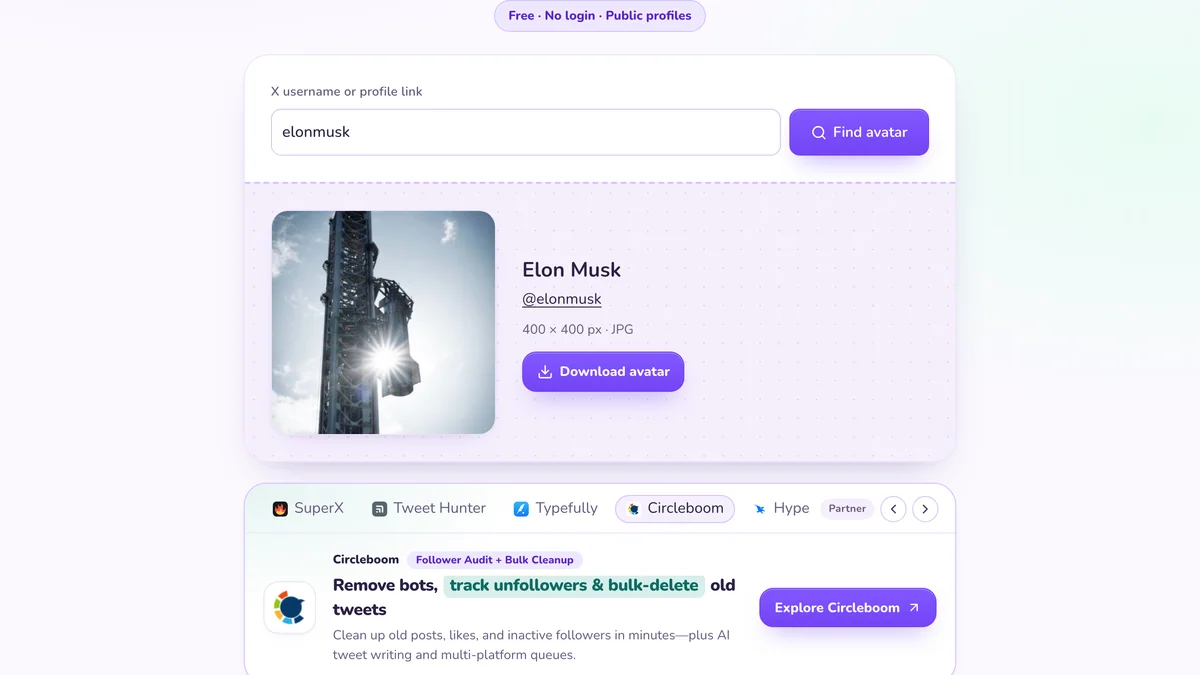
X serves several resized thumbnails (_normal at 48 × 48, _bigger at 73 × 73, _400x400, and the uncropped original upload). If you are auditing your own brand assets, archiving a press kit, or verifying whether your current photo is pixelated, use the X Avatar Downloader to inspect and download any public account's full-resolution profile image locally.
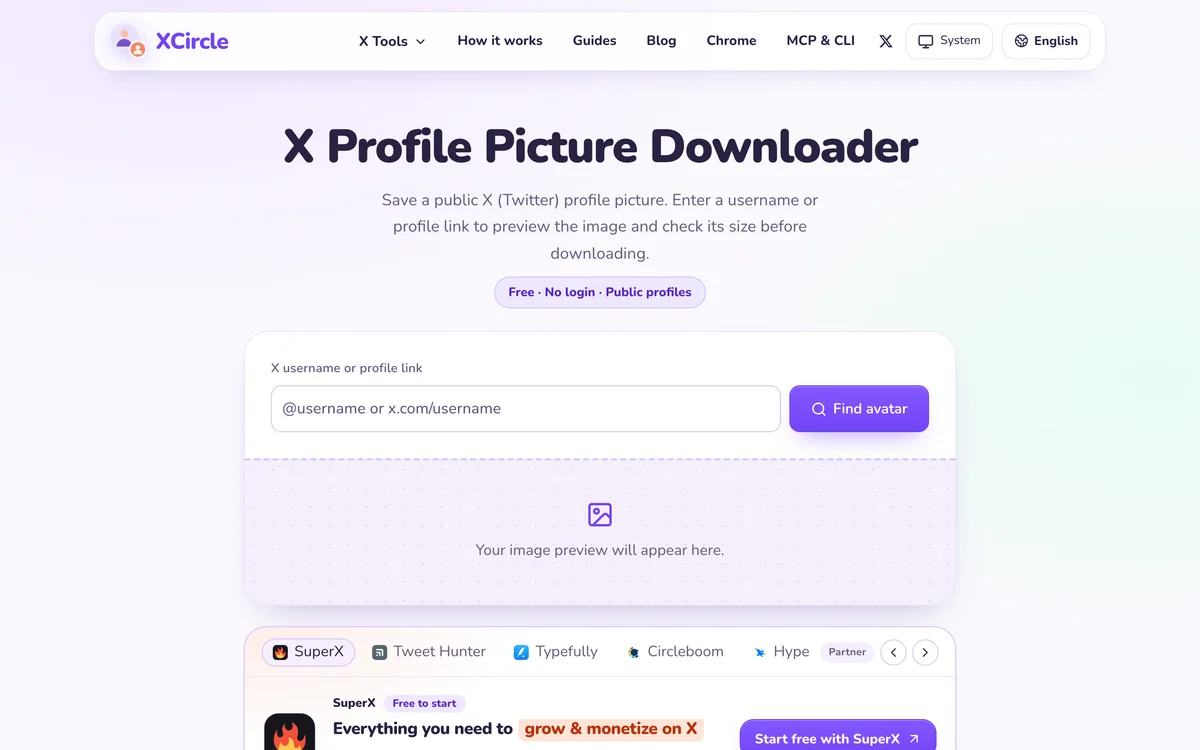
Enter any public @username or profile URL in X Profile Picture Downloader to inspect dimensions and save the crisp original avatar.
Adding seasonal flair without hurting recognition
During holidays or launches, many creators add a subtle frame or hat to their avatar. The secret to doing this well is keeping your face or logo silhouette immediately recognizable—never bury your portrait under busy stickers.
If you want to try a quick holiday refresh, Christmas Hat Avatar Maker lets you upload a local photo or load any public X handle, adjust hat scale, angle, and headroom precisely inside a live circular preview, and export a clean 800 × 800 PNG locally without uploading your photos to a server.
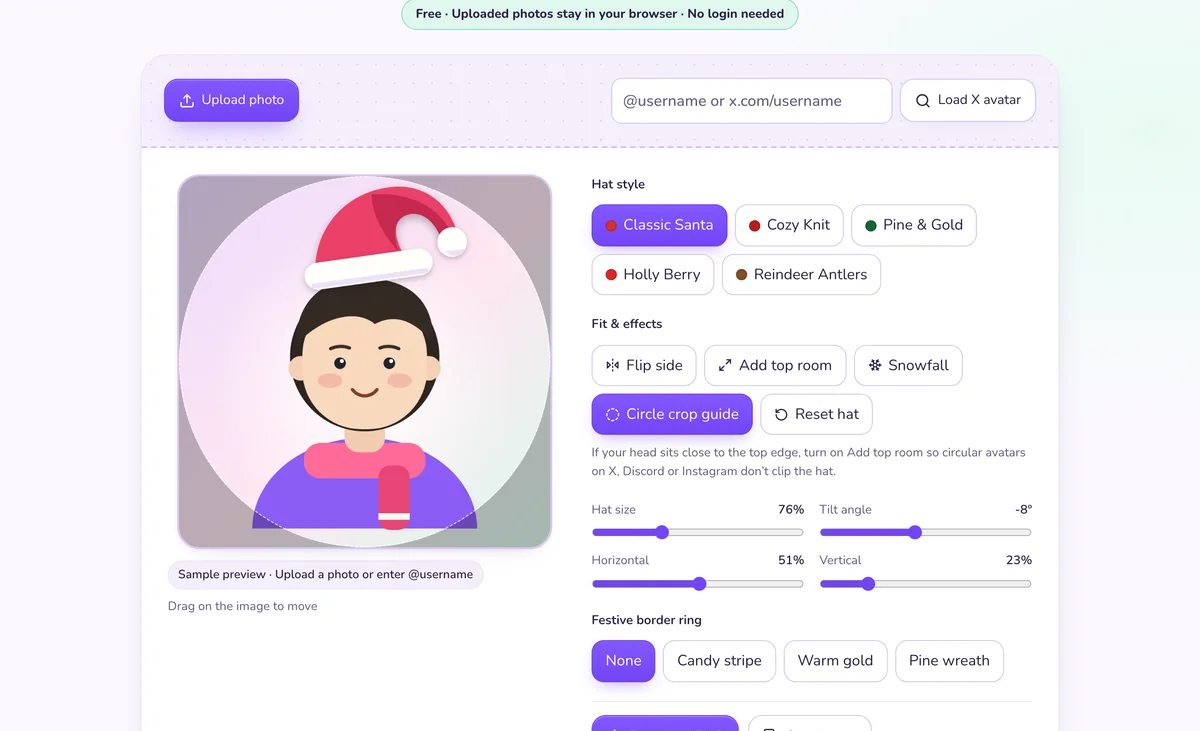
The built-in Circle crop guide lets you add headroom and position seasonal accessories without accidentally clipping the top inside X's circular avatar mask.